

Launching an online store is just the first step. To attract visitors, boost sales, and retain customers, you need the right WordPress eCommerce plugins.
With the best eCommerce plugin for WordPress, you can do everything from managing products and accepting payments to improving the shopping experience of your customers. But how do you pick the ones that fit your store’s needs? We have done the work for you.
In this blog, we have highlighted the top WordPress eCommerce plugins that will equip you with rich features to run your store efficiently. Whether you’re new to eCommerce or scaling up, this guide will help you make informed decisions before purchasing a plugin.
Let’s get started!
Implement upsell and cross-selling strategies in your eCommerce store using UpsellWP’s 10+ campaigns and increase sales.
How We Researched the Top eCommerce WordPress Plugins?
While testing different WordPress eCommerce plugins, we have curated a list of must-have features to consider before purchasing one.
Easy Integration
The plugin must be easy to integrate with WordPress and your store theme. Look for plugins that are easy to set up and require minimal to no technical skills to start.
Scalability
The plugin you choose must grow as your store grows. Choose a plugin that can handle an increasing number of products, customers, and transactions without compromising performance.
Performance Optimization
Heavy plugins can slow down your website, leading to poor user experience. So we recommend using lightweight, fast, and optimized plugins for better performance.
Customization Flexibility
The plugin you use should allow you to tailor features to your specific store needs. The customization flexibility must be from the product page to checkout.
Security Features
Ensure the plugin is built with security measures like SSL support, fraud detection, and regular updates to protect your store and customer data.
Analytics and Reporting
Choosing a plugin with robust reporting features is crucial for understanding your store’s performance and optimizing it further.
Pricing
Price is a crucial factor when purchasing a new plugin. Start with the free version and then switch to the paid plan.
Focusing on these features will better equip you to select plugins that simplify store management, improve conversion rates, and support store growth.
Best WordPress eCommerce Plugins
Here’s the list of free WordPress eCommerce plugins. Yes, free plugins that offer premium features.
- WooCommerce
- UpsellWP
- WooCommerce Extra Fees
- Easy Digital Downloads
- WP EasyCart
- Ecwid
- Retainful
- WPLoyalty
1. WooCommerce
WooCommerce is the most popular eCommerce WordPress plugin to create an online store with ease. It’s free, open-source, and comes with a variety of features to manage an online store seamlessly.
Whether you’re selling physical products, digital goods, or services, WooCommerce can be adapted to your store’s needs. It’s a fully customizable plugin, making it suitable for businesses of all sizes.
With its extensive marketplace of extensions and themes, WooCommerce lets you scale your store, add advanced features, and integrate with tools for marketing, shipping, and payment processing.
Features
- Product Variations: Sell simple or variable products like size and color options.
- Payment Gateway Support: Integrates with PayPal, Stripe, and other gateways.
- Shipping Options: Offers flat rate, free shipping, and local pickup options.
- Extensibility: Compatible with hundreds of extensions to enhance functionality.
- Inventory Management: Track stock levels and receive notifications for low inventory.
- SEO-Friendly: Built to integrate seamlessly with SEO plugins like Yoast.
- Customizable Design: Works with most WordPress themes and supports customizations
Who can use it?
Anyone looking to create an online store for free can make use of WooCommerce. It’s ideal for businesses of all sizes.
Pricing
WooCommerce is completely free to use.
2. UpsellWP
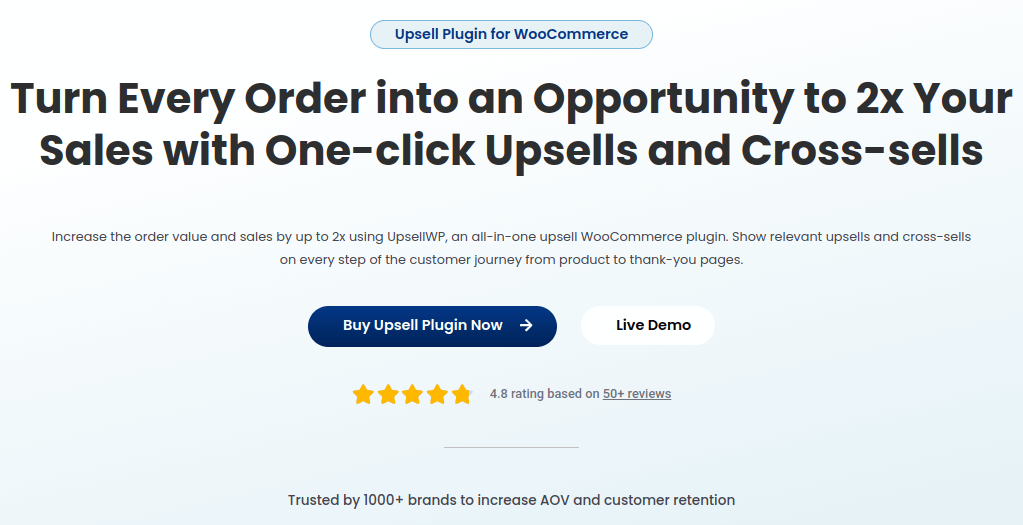
If you are looking to increase your average order value and enhance your customer’s shopping experience, then UpsellWP is the right choice.
UpsellWP is a WooCommerce upsell plugin that helps you show upsells and cross-sell products in your store. This is another best WordPress eCommerce plugins which is free to use. It offers 10+ upselling and cross-selling features to show related products right from the shop page to the thank you page of your store.
With this plugin, you can suggest order bumps, frequently bought together products, one-click upsells, next order coupons, and more. Its advanced smart product recommendations let you automate product suggestions.
Features
- Post-purchase Upsell: Create one-click upsell offers on the post-purchase for increased revenue.
- Cart Add-Ons: Suggest complementary products in the cart.
- Checkout Upsell: Add exclusive offers on the checkout page.
- Upsell Popups: Show attractive offers in the popup window.
- Next-Order Coupons: Incentivize customers to return with coupons for future orders.
- Analytics Dashboard: Track the performance of your upsell campaigns.
- Seamless Integration: Works smoothly with WooCommerce and popular payment gateways.
Who can use it?
It is ideal for stores with more than two products choosing to upsell and cross-sell.
Pricing
UpsellWP is a free plugin. Paid plan starts at $69 per year.
Show upsell products on the product, cart, and thank you page using UpsellWP’s upsell campaigns and increase your store’s average order value.
3. WooCommerce Extra Fees – Upsell Your Service with Optional Fees on Checkout
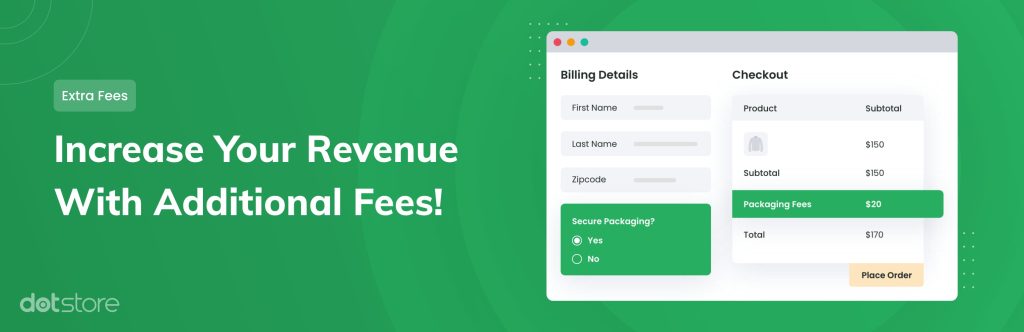
Enhance your checkout experience by offering optional services to your customers. Our WooCommerce Extra Fee plugin feature allows you to create service-based add-ons like extended warranty, gift wrapping, or priority shipping.
These upsell options can increase your revenue without complicating the purchase process. For example, let’s say you’re offering a priority shipping option as an optional service.
During checkout, customers can select this service for a small additional cost, improving their shopping experience and boosting your average order value.
Features
- Flexible fee types (fixed, percentage, per product).
- Display as a checkbox or dropdown at checkout.
- Fully customizable titles and descriptions.
- Apply fees based on specific products or cart conditions.
- Seamless integration with your existing store design.
- Track your revenue using the extra fees dashboard.
Who can use: Any online store owner looking to boost revenue and offer premium add-on services.
Price: It is a free plugin. The paid version starts from $179 per year.
4. Easy Digital Downloads
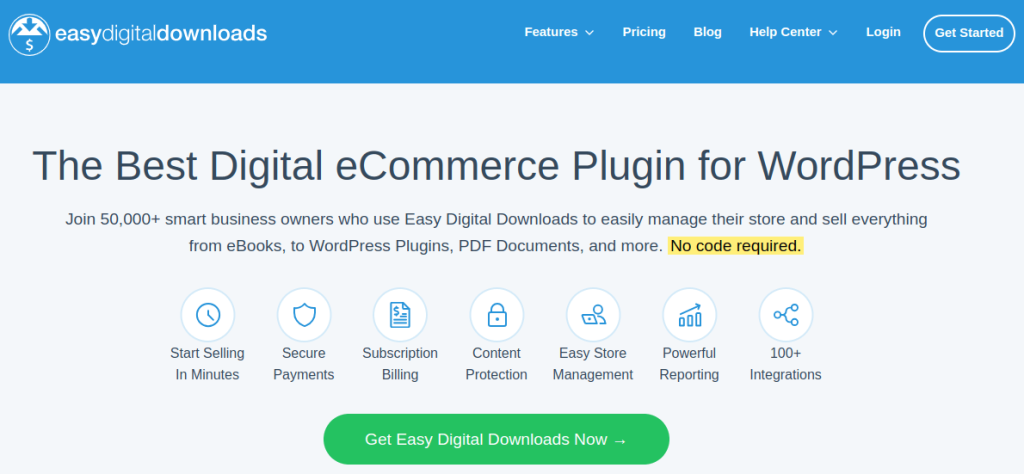
Easy Digital Downloads is a plugin entirely dedicated to selling digital products. With this plugin, you can easily manage and deliver digital goods like software, eBooks, and music.
It offers extensive features such as file delivery, discount codes, and recurring payments, making this plugin ideal for businesses focused on digital products.
Features
- Digital Product Management: Simplifies selling and delivering digital files.
- Customer Management: Includes customer profiles and purchase history tracking.
- Discount Codes: Create promotional discounts for specific products or categories.
- Recurring Payments: Supports subscription-based digital products.
- Secure File Delivery: Protects files with access restrictions.
- Extensions Library: Add features like email marketing and payment gateways.
- Detailed Reporting: Analyze sales performance with built-in reports.
Who can use it?
Easy Digital Downloads is perfect for businesses exclusively selling digital goods.
Pricing
It’s a free plugin. Paid plan starts from $99 per year.
5. WP EasyCart
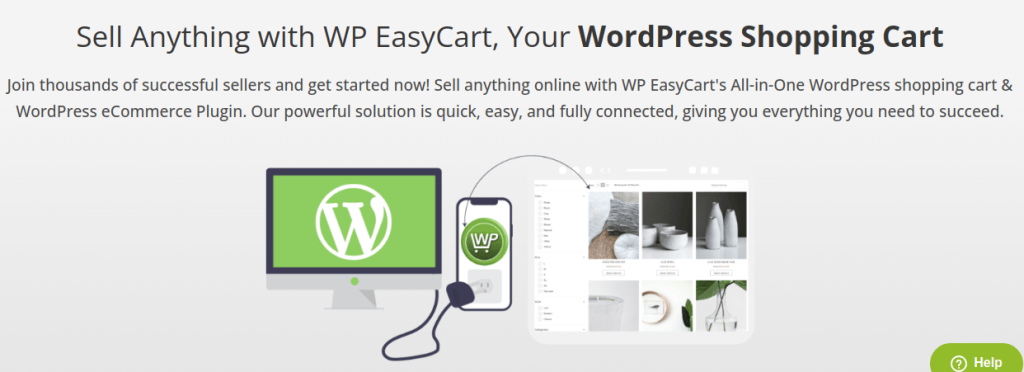
WP EasyCart is a free WordPress plugin for WordPress providing all the essential tools needed to start selling online without any hassle. From product variants and payment gateways to tax and shipping calculations, WP EasyCart handles the core eCommerce functionalities.
It can also be integrated with Facebook and Instagram for multi-channel selling.
Features
- Diverse Product Types – Sell physical goods, digital downloads, services, event tickets, and online courses.
- Integrated Payment Gateways – Accept payments via PayPal, Stripe, Square, and more for seamless transactions.
- Advanced Shipping Calculations – Set flexible shipping rules or integrate with carriers for real-time rates.
- Marketing Tools – Boost sales with discounts, promotions, gift cards, and abandoned cart recovery.
- Comprehensive Reporting – Track sales, revenue, refunds, and customer insights with built-in analytics.
- Customer Account Management – Allow customers to manage orders, track purchases, and update their details.
- Design and Customization – Customize product pages, shopping carts, and checkout flow with page builder compatibility.
Who can use it?
Suitable for small to medium-sized businesses looking to create an online store that lets you sell unlimited products.
Pricing
It is a free plugin. The paid version starts from $69 per year.
6. Ecwid
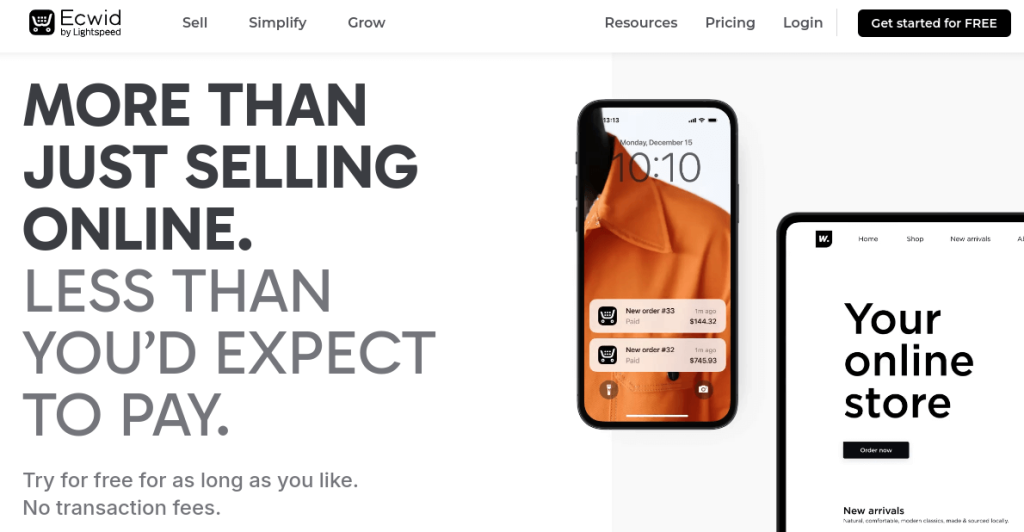
Ecwid can be easily integrated to make your store work smoothly. With this eCommerce WordPress plugin, you can sell products across multiple platforms, from websites to social media channels like Facebook and Instagram.
This plugin offers real-time shipping rates, mobile management, multi-language support, and more. It is lightweight and doesn’t require a lot of setup.
Features
- Multi-Platform Integration: Sell on websites, Facebook, Instagram, and more.
- Automatic Updates: Keep your store updated with the latest features.
- Mobile App: Manage your store on the go with the Ecwid mobile app.
- Real-Time Shipping: Provide customers with real-time shipping rates.
- Language Support: Supports multiple languages for global selling.
- Secure Payments: Accept payments securely through various gateways.
- Responsive Design: Ensures a great shopping experience across all devices.
Who can use it?
Great for businesses looking to maintain a consistent store presence across multiple platforms.
Pricing
It is a free tool. The paid plan starts from $21 per month.
7. Retainful
Retainful is an email marketing plugin specifically designed for eCommerce stores. It offers a set of features to help online stores recover abandoned carts, build customer relationships, and drive repeat purchases. You can also segment customers based on demographics, customer behavior, and purchase history.
Features
- Abandoned Cart Recovery: Send automated email reminders to recover abandoned carts effortlessly.
- Next Order Coupons: Include unique discount codes in order emails to encourage repeat purchases.
- Email Automation: Set up workflows to send personalized, action-triggered emails.
- Drag-and-Drop Email Editor: Create and customize email templates easily with a simple editor.
- Sign-Up Forms and Popups: Capture leads and build a verified email list with targeted forms and popups.
- Customer Segmentation: Group customers to send relevant and targeted email campaigns.
Who can use it?
If you are looking to win back lost customers and nurture long-term customer relationships, this plugin is for you.
Pricing
It is a free plugin. Paid plan starts from $9/month.
8. WPLoyalty
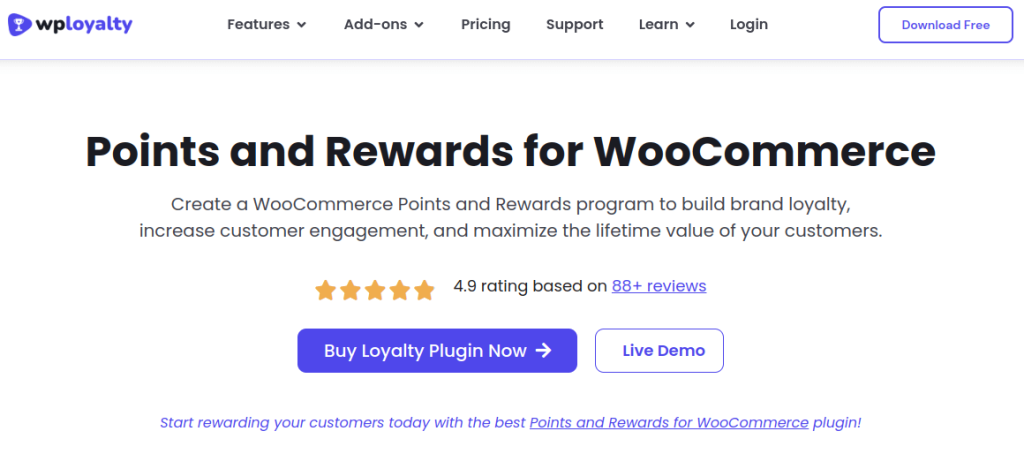
WPLoyalty is a loyalty program plugin designed to create customized loyalty programs for your business. With its points and reward system, you can reward customers for various actions like sign-ups, reviews, referrals, social shares, and birthdays. This way, you can build a strong rapport with your customers and turn them into brand advocates.
Features
- Points Campaigns: Reward customers for purchases, sign-ups, referrals, reviews, and social shares.
- Tiered Loyalty Program: Build VIP tiers to reward your most loyal customers with exclusive perks.
- Flexible Rewards: Allow customers to redeem points for discounts, free products, or free shipping.
- Performance Tracking: Monitor the success of loyalty campaigns with detailed analytics.
- Customer Notifications: Send automated alerts when customers earn or are about to lose points.
- Import/Export Data: Seamlessly migrate customer points data from other loyalty systems.
- Multi-Lingual Support: Support global customers with multi-language and multi-currency compatibility.
Who can use it?
This plugin is best suited for store owners who want to increase customer retention, boost repeat sales, and enhance brand loyalty.
Pricing
WPLoyalty is a free plugin. The paid version starts from $99 per year.
eCommerce Plugins for WordPress – Quick View
Here’s a quick recap of the top WordPress eCommerce Plugins:
| S.No | eCommerce WordPress Plugin | USP | Who Can Use? |
| 1. | WooCommerce | Transforming WordPress into an online store | Anyone starting out on an eCommerce business |
| 2. | UpsellWP | Upselling, cross-selling, order bumps | Store owners with more than 2 products to upsell and cross-sell |
| 3. | WooCommerce Extra Fees | Boost Revenue at Checkout | WooCommerce Store Owners |
| 4. | Easy Digital Downloads | Selling digital products | Stores selling digital goods |
| 5. | WP EasyCart | User-friendly setup to create an online store | Small to medium-sized businesses |
| 6. | Ecwid | Selling across social media, websites | Stores with multiple sales channels |
| 7. | Retainful | Abandoned cart recovery, email automation | Stores with high cart abandonments |
| 8. | WPLoyalty | Points and reward system | Stores with long-term customers |
Automate product suggestions using UpsellWP’s recommendation engine and boost sales now.
Summing Up
Choosing the right WordPress eCommerce plugin is crucial for building a successful online store. Plugins like WooCommerce, Easy Digital Downloads, WP EasyCart, and Ecwid provide necessary features to create and manage your store, while UpsellWP, Retainful, and WPLoyalty help boost sales and customer engagement.
Each plugin offers unique features tailored to different business needs—whether you’re focused on creating a store, upselling, recovering customers, or building brand loyalty. The key is to look into your store’s requirements and choose the one that aligns with your business goals.
Related Reading:
- Best WooCommerce checkout plugins
- Best WooCommerce cross-sell plugins
- Best WooCommerce add to cart popup plugins
- Best WooCommerce frequently bought together plugins
Frequently Asked Questions
WooCommerce is the best eCommerce WordPress plugin for beginners due to its ease of use, flexibility, and less learning curve. It is easy to set up, manage, and handle your store independently.
All listed plugins are mobile-responsive, ensuring your store works perfectly on smartphones and tablets.
No, these plugins are designed for non-technical users and come with simple setups and user-friendly interfaces.
Yes, plugins like UpsellWP and WPLoyalty are built to support global audiences with multi-language and multi-currency features.
Retainful is specifically designed for cart recovery and includes automation features to boost conversions.
Yes, many plugins work well together but ensure compatibility to avoid conflicts and maintain performance.